

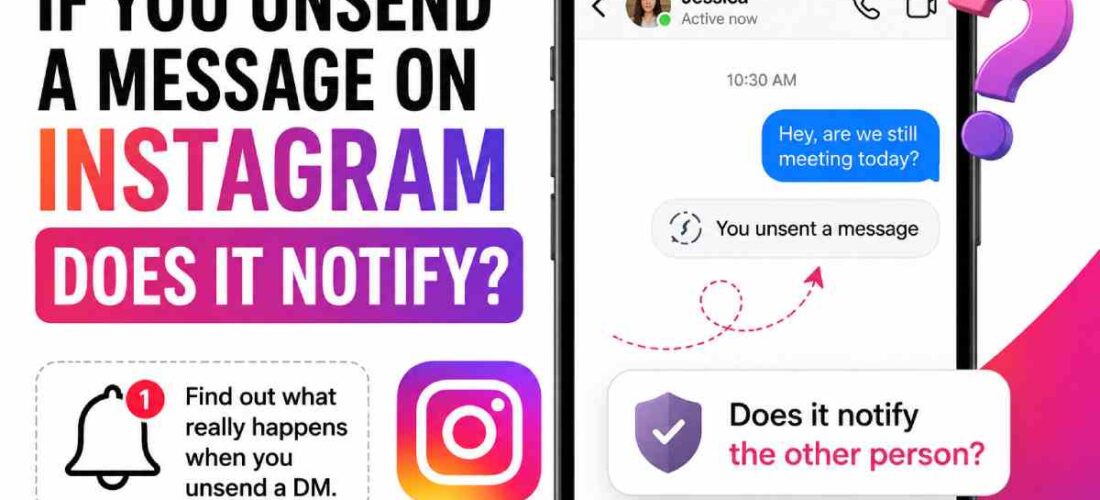
If You Unsend a Message on Instagram Does It Notify – Instagram does not normally send an “unsent message” alert to the recipient. An unsent message is removed from the chat for everyone in the conversation. The recipient may have already read the message before you removed it.
No. Instagram does not normally send a separate notification telling someone that you unsent a message. When you use Unsend, Instagram says the message is no longer visible to people included in the chat. However, that does not guarantee the recipient never saw the original message or its notification preview. That distinction is the key to understanding what actually happens when you remove an Instagram DM.
A phone notification or lock-screen preview may have appeared before you unsent the message. Unsend is different from simply deleting a chat from your own inbox. Instagram says unsent messages are not included in your Instagram Data Download, although reported chats can create exceptions in how message data is handled.
If You Unsend a Message on Instagram Does It Notify Them in DM?
No special notification is normally sent to the other person when you unsend an Instagram DM. The message simply disappears from the conversation.
Once you unsend a message, “no other participants of that chat can see your message again.” It clarifies, though, that the other people in the chat could have seen it before you unfriended/unstanneded. In either case, the messages are also not recoverable, as the Instagram Help Center clarified.
So there are really two separate questions:
| Question | What happens? |
|---|---|
| Does Instagram send an “unsent” notification? | Normally, no |
| Does the message remain in the chat? | No |
| Can the recipient have already read it? | Yes |
| Could they have seen a notification preview? | Yes |
| Does unsending guarantee they never saw it? | No |
| Does Instagram leave a permanent “message deleted” placeholder? | Generally, no |
This is why saying that an Instagram message is completely “invisible” after unsending would be misleading.
What Happens When You Unsend an Instagram Message?
If you choose “Unsend“ for a message you have sent on Instagram, the message will be deleted, not hidden, on just yours.
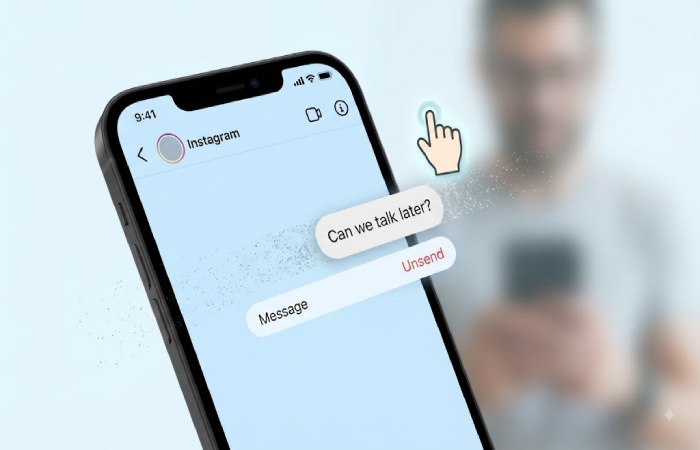
Instagram directs the process as follows: Find and open the chat you’re having. Locate and touch and hold the message you wish to erase. And from the options that open up, select Unsend and tap Confirm. Once the message is unsent, recipients of that particular chat conversation will be unable to discover it.
For example, suppose you send:
“Can we talk later?”
You immediately realize you sent it to the wrong person and select Unsend.
The original message should disappear from the conversation. The recipient does not normally receive a separate alert saying that you removed it.
But there is an important timing issue.
If the person had already opened Instagram, read the message, or seen a notification preview, unsending cannot reverse what they already observed.
Unsend removes the message, not the memory
This is the most useful way to think about the feature.
Unsend controls the message’s presence in the chat. It does not control what the recipient may already have seen.
Instagram explicitly makes this distinction in its Help Center by noting that recipients may already have seen a message before it is unsent.
Can Someone See That You Unsent a Message?
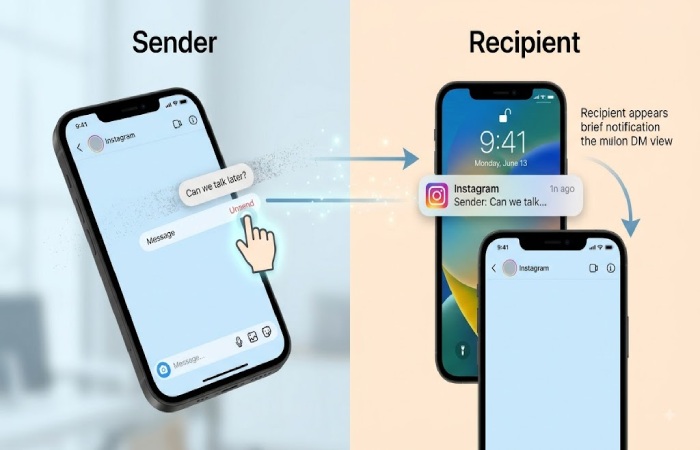
Usually, they will not see a standard Instagram notification announcing that you unsent something. However, they can potentially infer that something happened.
Imagine this sequence:
- You send a DM.
- Their phone displays a notification.
- They notice the notification.
- You unsend the message.
- They open Instagram.
- The message is no longer in the conversation.
They may not receive an “X unsent a message” alert, but they could reasonably wonder why the message they saw in a notification is no longer there. This is particularly important with sensitive or embarrassing messages.
What if they were already inside the chat?
They may notice the message disappear. That is different from receiving a notification. The removal itself can be visible through the conversation if they are looking at it while you unsend the message.
Recent user reports also show that notification behavior can vary depending on timing and device behavior, so it is safer not to treat unsending as a guaranteed way to erase every trace of a message.
Does Unsend Delete the Notification?
This is where many explanations become too simplistic. There is a difference between removing the Instagram message and removing a notification that has already reached someone’s phone.
After it’s been sent to a phone, how the push notification will behave will be dependent on the operating system, notification preferences on the handset, and timing, among other factors. However, it’s not an uncommon user complaint that old previews are not removed after Instagram messages were unsent.
Therefore, if you sent a message and immediately unsent it, the safest assumption is: The chat message can disappear, but you should not assume the recipient never saw the notification. That is a much more accurate answer than simply saying “yes” or “no.”
What If the Person Already Read Your Message?
If the recipient has already read your DM, unsending does not undo that.
For example:
- You send a message at 2:00 PM.
- The recipient opens it at 2:01 PM.
- You unsend it at 2:05 PM.
The message can disappear from the chat, but the recipient already knows what it said. Instagram itself warns users about this limitation. Its Help Center specifically says people you sent the message to may already have seen it before you unsend it. This is the biggest misconception surrounding the feature.
Unsend is not the same as “unsee”
Think of it as deleting the message from the conversation rather than turning back time.
What Is the Difference Between Unsend and Delete?
Instagram’s messaging controls can be confusing because users may use “delete” and “unsend” interchangeably. They are not necessarily the same action.
Unsend is designed to remove a message you sent from the chat. Instagram states that the unsent message will no longer be visible to people included in the conversation.
By contrast, deleting a conversation or removing something from your own inbox does not necessarily mean you have removed the other person’s copy of a message.
Simple comparison
| Action | Your side | Recipient’s side |
|---|---|---|
| Unsend your sent message | Message removed | Message removed from the chat |
| Delete your chat/inbox conversation | Conversation removed from your view | Their conversation can remain |
| Recipient deletes their copy | Removed from their view | Your sent copy may remain |
| Block someone | Access changes | They are not specifically notified of the block |
The practical lesson is simple: if your goal is to remove a message you personally sent from the conversation, use Unsend rather than assuming that deleting your inbox will do the same thing.
Does Instagram Notify Someone If You Unsend an Old Message?
There is no normal “you unsent an old message” notification.
Instagram’s current Help Center documentation does not describe a notification being sent when a message is unsent. Instead, it explains that the message becomes no longer visible to people in the chat.
This means that an older message can disappear from the conversation without Instagram placing a standard deletion notice in its place. However, the recipient could still notice that something changed if they remember the message or happen to be looking at the conversation.
Can You Unsend a Message After It Has Been Seen?
Yes, Instagram’s Unsend feature can remove a message even though the recipient may already have seen it. But the word remove is more accurate than erase.
The recipient may have:
- Read the message.
- Seen it in a notification preview.
- Remembered the contents.
- Taken a screenshot.
- Copied or shared the content.
- Seen it while the conversation was open.
Unsend cannot reliably reverse any of those events. Instagram’s official guidance itself makes the central limitation clear: recipients may have already seen a message before it was unsent.
Does Unsend Work in Group Chats?
Instagram’s Help Center describes unsending a message as making it no longer visible to people included in the chat. That wording covers conversations involving multiple people as well as one-to-one chats.
This means that if you’ve sent something in a group chat and unsend that message, then no one in that chat should be able to read it. However, group chats also mean that there’s a bigger chance that at least one person has viewed the message before you unsent it. For example, if five people are active online simultaneously, it’s more likely that one of them will have seen it before it was taken out of existence.
Does Instagram Keep Unsent Messages?
Instagram says that your Data Download file does not include messages you have unsent from your Instagram account. There is, however, an important qualification in Instagram’s documentation: if a chat or surrounding message is reported, unsent messages could potentially be included in the report.
That means users should not interpret Unsend as an absolute promise that no record could ever exist under any circumstance. For everyday messaging, though, the practical effect is that the unsent message is removed from the visible chat.
What Happens If You Unsend Immediately?
If you realize your mistake seconds after sending a message, unsending immediately reduces the opportunity for the recipient to read it. But it does not create a guarantee. The message may have already generated a notification, and the recipient could have been looking at their phone at exactly that moment.
A useful rule is:
The faster you unsend, the less likely they are to read it—but you cannot guarantee they did not see it.
This is particularly relevant if you accidentally send a private message to the wrong Instagram account.
Does Unsend Notify the Other Person? The Bottom Line
So, if you unsend a message on Instagram, does it notify the recipient? Generally, no. Instagram does not normally send a dedicated notification telling the recipient that you unsent a message.
The message itself is removed from the chat, and Instagram’s official Help Center confirms that it will no longer be visible to people included in that conversation. But “no notification” does not mean “they definitely don’t know.”
They may already have:
- Read the message.
- Seen a notification preview.
- Been inside the conversation when it disappeared.
- Taken a screenshot.
- Remembered the message.
The most accurate answer is therefore: No, Instagram normally does not notify someone that you unsent a message. But unsending cannot guarantee that the person never saw or recorded the message before it was removed.
Final Verdict
If your concern is simply whether Instagram sends the other person an alert saying “you unsent a message,” the answer is generally no. The more important caveat is timing. Unsend removes the message from the conversation, but it cannot guarantee that the recipient did not see the original message or a notification preview beforehand. In other words, Unsend removes the message from Instagram; it does not erase what someone may already have seen.